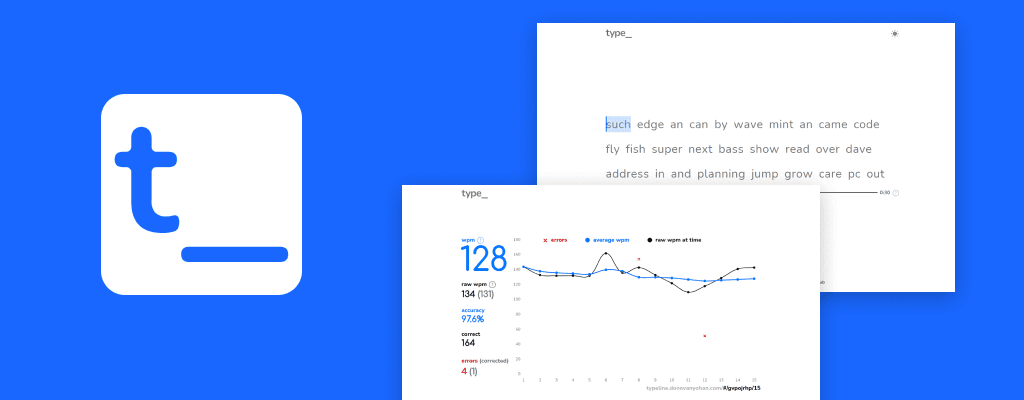
Typeline was a great application of interaction design, gamification, motion design, and working with a highly dynamic React front-end.
- Improving on a long-standing status-quo
- Building a typing engine with React
- Gamification and next steps
Improving on a long-standing status-quo
There are a lot of typing tests, typing lessons, online resources, and even some really creative games. I still found myself bouncing between them for different strengths: easiest to start, nicest looking, easiest to tune, or simplest to share. This led me to wonder: can I get everything I enjoy about these in one place? I wanted practice to feel good. It should feel fast. It should feel clear.
A big part of what makes typing enjoyable to me, and to other typists I spoke with, is the "flow state" we can enter when we're fast, steady, and accurate. Interestingly, even though this was our favourite feeling, very few tools encouraged it by design.
Encourage consistency and flow by design
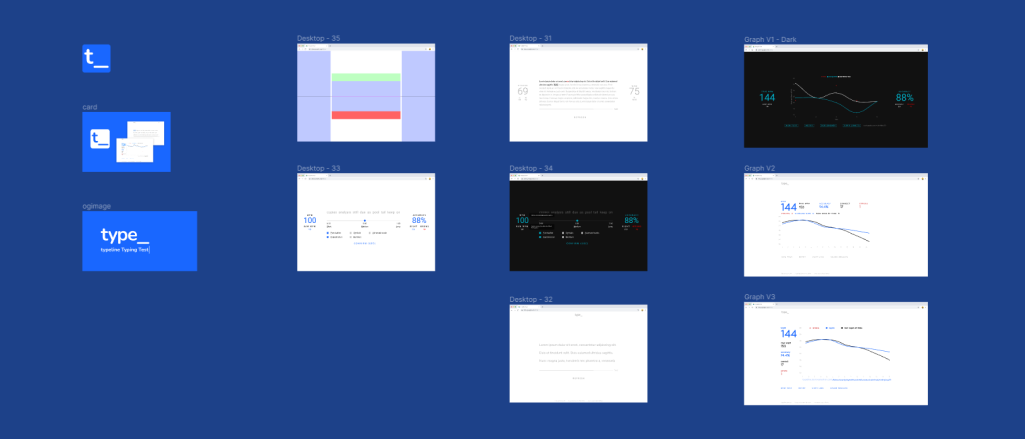
The main design principles for typeline are all about encouraging flow. I paired that with the best parts of the typing tests I already used. Together, those ideas led to motion design that gives instant feedback on the user's performance and visually rewards the desired habit. Good runs should feel earned. I studied arcade games to see how they reward player success through score increases and other feedback.
Outcomes
- Design principles to validate design decisions
- Emphasis on motion design
- Brought in further ideas of gamification
Building a typing engine with React
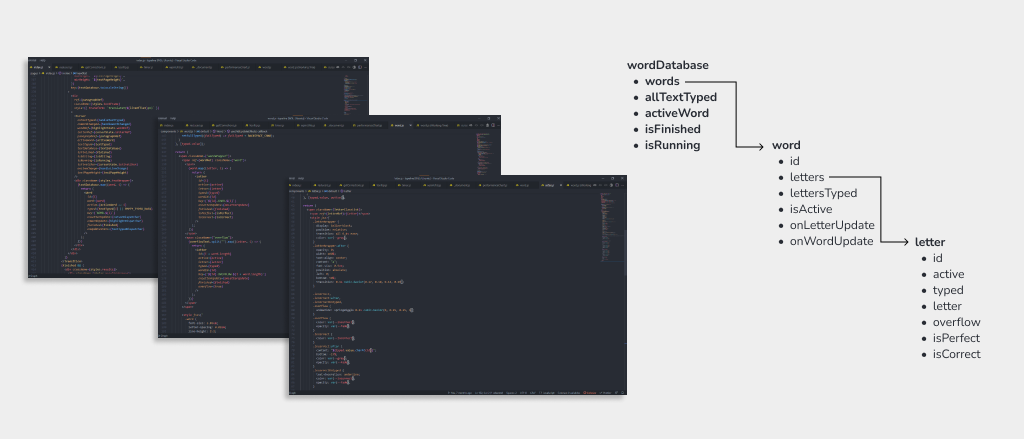
Partly as a challenge to myself, and partly because nothing available fit my needs, the engine powering typeline is entirely custom built. After the design phase, I knew the most important parts of the experience. I could then map those user goals to the specific pieces I needed to build. I wanted the code to match the feel. With just enough of a UI wireframe and my own build plan, I quickly tested interactions by building the essential pieces and using them to prototype.
Develop for the design, and design to develop
I scaffolded out the app structure and compared it against my user stories and design principles. That helped me make sure the technical pieces were covered. It let me develop an MVP with room to scale for future features. It also gave me new ways to approach my original problems once the data was mapped out. One example: identifying the number of corrections and surfacing feedback that encourages users to fix errors before moving on. That bit of math was required for one of my user goals, but it usually isn't shown in other typing tests.
Outcomes
- Solid reusable and scalable component library
- Quick validation of design in production
- More UX ideas from testing during development
Gamification and next steps
Typeline is a big project, and what's live now is only part of what I'm hoping it can become. The base is laid for more game-like and sharing features. A seeded RNG lets users share the exact test they took with friends and compare results. Next steps: make that info more visible, build leaderboards for each test, and ultimately let users race against each other in real time.
Practice makes perfect, but it can also be fun
By borrowing from arcade games — leaderboards, clear visual rewards, and simple rules — typeline aims to keep the utility of a typing test while reaching people who can enjoy it as a game.
Outcomes
- Roadmap for future updates
- A typing test mixed with a game
- Competition that builds engagement naturally